Feb 21 - News: Google Calendar support!
I'm presenting a few new changes today.
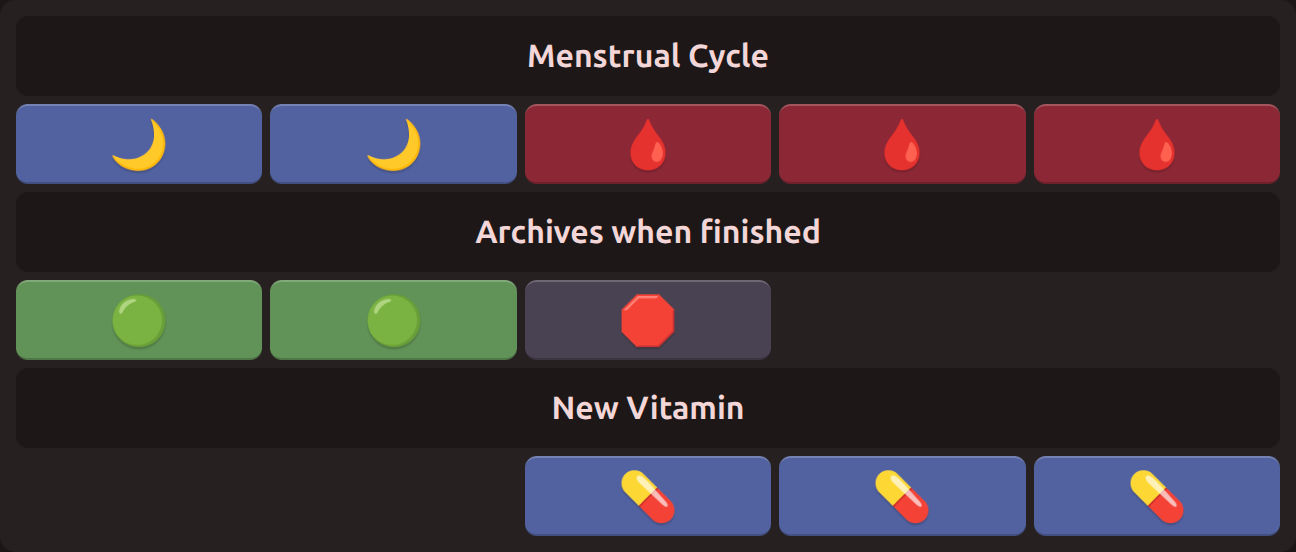
Track a new mood indefinitely with "Keep" loops
By setting the "When this loop finishes…" setting to "Keep," a loop will stay in its final mood indefinitely, and will count days since completion.
I started a new vitamin recently, and I know don't know how long it'll take me to get used to it. I made a simple loop that's just one day long:

The loop stays on my overview until I decide to hide it, and I can keep track of how long it's been since starting:

Archived loops forget everything, but keep loops track how long they've been active. They're a good way to remember "How long has it been since I…?"
Choose between "in 6 days" or "Wednesday, 2/26"
The loop overview page can now be displayed either as a numerical date:

Or as the number of days away from today:

Look for the toggle on the loop overview page. Your browser remembers your preference.
Along with this change, the loop editor now displays the date range of the whole loop in addition to the currently active mood.
Calendar hides inactive moods
The calendar no longer displays anything on days when a mood is inactive:
- When a loop hasn't started yet
- When a loop has been archived
This change fixes a bug in the calendar where it showed incorrect information on those kinds of days.
What's Next?
These changes round out most of my own usage. Next comes tutorials and improvements to the website's speed.
-Austin